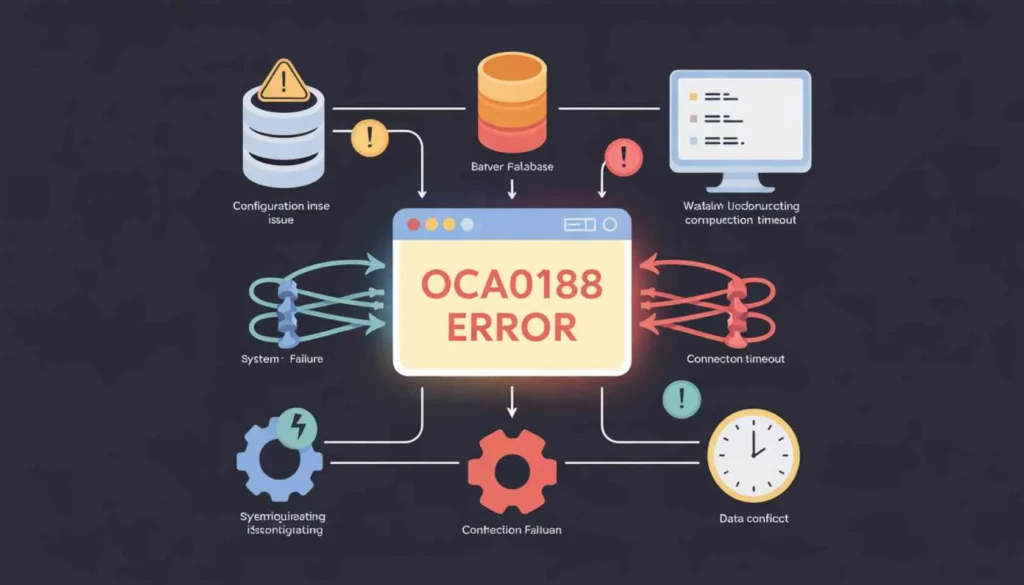

If you use VoIP services or internet-based calling systems, encountering error codes can be frustrating especially when they prevent calls from connecting. One such issue that users frequently encounter is the OCA0188 error.
This error typically appears when a call fails to connect due to network, configuration, or service-related issues. Whether you are using a VoIP desk phone, softphone application, or PBX system, understanding this error can help you restore communication quickly.
In this complete guide, we will explain what the OCA0188 error means, why it occurs, how to fix it step-by-step, and how to prevent it from happening again.
What is the OCA0188 Error?
The OCA0188 error is commonly associated with VoIP (Voice over Internet Protocol) systems and indicates that a call cannot be completed due to connection or registration failure.
In simple terms:
Your device is unable to establish a proper connection with the VoIP service provider.
This may occur during:
-
outgoing calls
-
incoming call attempts
-
account registration with SIP server
-
network communication between device and provider
Although the exact wording may vary depending on your service provider or device, the underlying issue usually involves connectivity or configuration problems.
https://thetechnations.com/ccps-rapid-identity-explained/
When Does the OCA0188 Error Appear?
Users may see this error in situations such as:
-
attempting to make a VoIP call
-
receiving calls that fail to connect
-
registering a SIP account
-
using softphones like Zoiper, 3CX, or MicroSIP
-
connecting IP desk phones to VoIP services
-
using hosted PBX systems
The error often interrupts business communications, making it critical to resolve quickly.
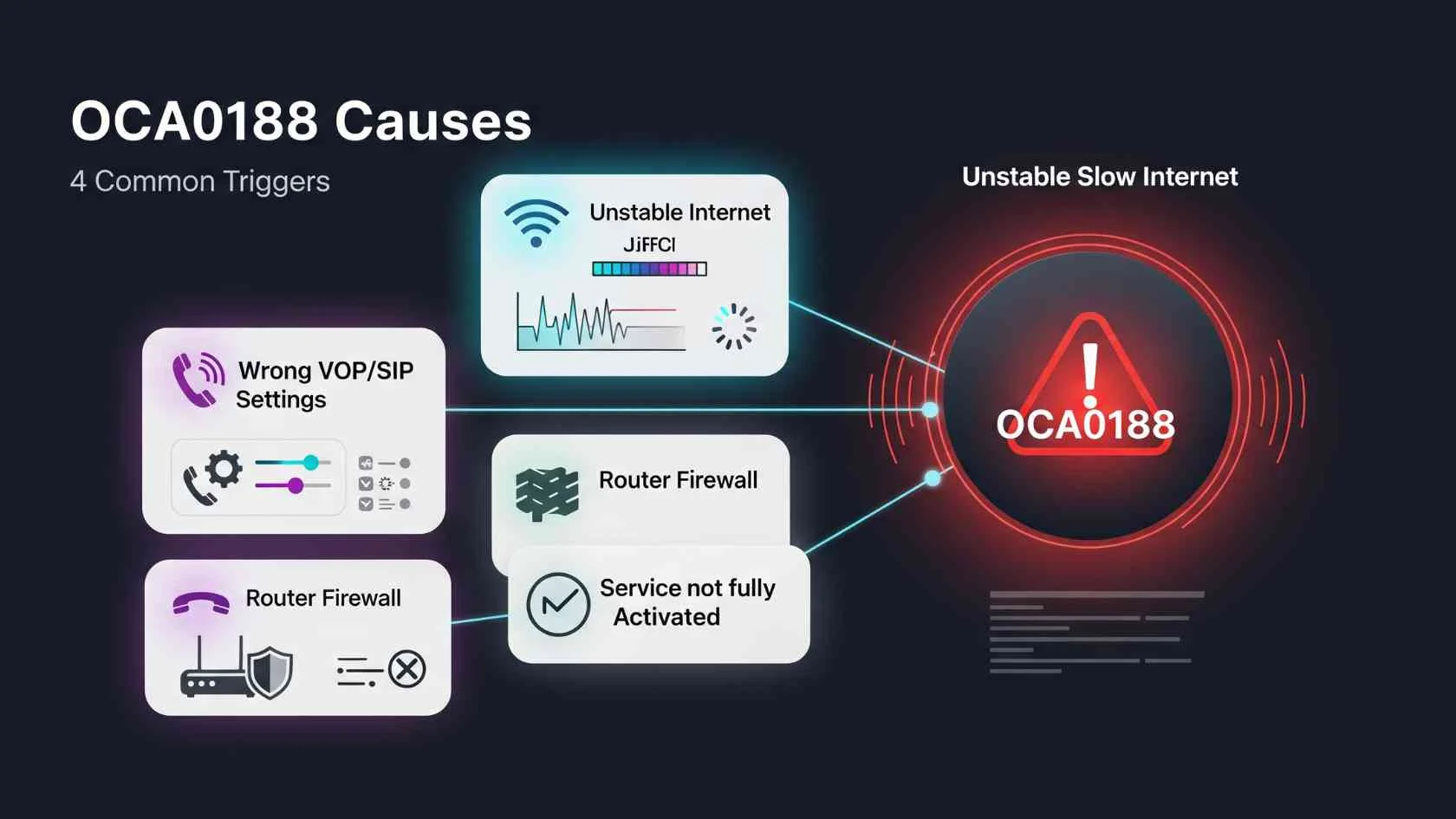
Main Causes of OCA0188 Error
Understanding the root cause is the first step toward fixing the issue.
Internet Connectivity Problems
VoIP calls rely heavily on stable internet connectivity. Weak or unstable connections can prevent successful call routing.
Possible issues include:
-
slow internet speed
-
high packet loss
-
network congestion
-
intermittent Wi-Fi signal
Incorrect SIP Credentials
VoIP systems require correct authentication details to register with the server.
If any of the following are incorrect, registration may fail:
-
SIP username
-
password
-
domain/server address
-
authentication ID
Firewall or Router Blocking VoIP Ports
Firewalls and routers often block VoIP traffic by default.
Common VoIP ports include:
-
SIP: 5060 / 5061
-
RTP: 10000–20000 (varies by provider)
If these ports are blocked, calls cannot be established.
SIP ALG Enabled in Router
Many routers enable SIP ALG (Application Layer Gateway) by default. While intended to help VoIP traffic, it often interferes with SIP packets and causes call failures.
NAT & Network Configuration Issues
If your device is behind NAT (Network Address Translation), improper routing may prevent the VoIP server from communicating with your device.
Service Provider Restrictions or Downtime
Sometimes the issue is not on your side.
Possible provider-related causes:
-
server maintenance
-
service outages
-
account suspension
-
geographic restrictions
Outdated Firmware or Softphone Version
Older firmware or outdated softphone applications may cause compatibility issues with VoIP servers.
https://thetechnations.com/rapididentity-ccisd-explained/
How to Fix OCA0188 Error (Step-by-Step)
Follow these troubleshooting steps to resolve the error.
Step 1: Check Your Internet Connection
Start with the basics.
Restart your modem and router
Run a speed test (minimum 1 Mbps recommended)
Switch to a wired connection for stability
Avoid heavy downloads during calls
Step 2: Verify SIP Account Credentials
Incorrect login details are one of the most common causes.
re-enter username and password
confirm SIP server/domain
check authentication ID
contact provider if unsure
Step 3: Disable SIP ALG in Router
This resolves many VoIP issues.
Steps:
-
Login to your router admin panel
-
Locate SIP ALG setting
-
Disable SIP ALG
-
Save and reboot router
Step 4: Open Required VoIP Ports
Ensure your firewall is not blocking traffic.
Allow:
-
SIP ports (5060/5061)
-
RTP ports (provider specified range)
If unsure, consult your VoIP provider.
Step 5: Check Firewall & Security Software
Antivirus or firewall software may block VoIP connections.
temporarily disable firewall for testing
whitelist your VoIP app
allow SIP traffic
Step 6: Restart & Re-register Device
restart IP phone or softphone
log out and log back in
re-register SIP account
Step 7: Update Firmware or Softphone App
install latest updates
restart device after update
https://thetechnations.com/unity-game-development-company-scalable-high-performance-solutions/
Step 8: Contact Your VoIP Provider
If none of the above works, contact support and ask:
-
Is my account active?
-
Are servers operational?
-
Are there IP restrictions?
-
Which ports should be open?
How to Prevent OCA0188 Error in the Future
Prevention is better than troubleshooting.
Use a stable high-speed internet connection
Disable SIP ALG permanently
maintain correct SIP configuration
keep firmware updated
avoid public Wi-Fi for VoIP calls
use QoS settings to prioritize voice traffic
Expert Tips for Better VoIP Performance
To ensure crystal-clear and reliable calls:
Use wired Ethernet instead of Wi-Fi
enable QoS in router settings
choose VoIP-optimized routers
avoid double NAT setups
monitor latency and packet loss
These steps significantly improve call reliability and prevent connection errors.
Conclusion
The OCA0188 error can interrupt communication and disrupt business operations, but it is usually caused by configuration, connectivity, or network issues.
By following the troubleshooting steps outlined in this guide including checking internet stability, verifying SIP credentials, disabling SIP ALG, and ensuring proper port configuration most users can resolve the issue quickly.
If the error persists, contacting your VoIP service provider is the best next step.
Maintaining proper network setup and updated software will help prevent the error from occurring again and ensure smooth, uninterrupted VoIP communication.
FAQs
It indicates that your VoIP device cannot connect to the server due to network, configuration, or registration issues.
This can happen due to poor internet connection, blocked ports, incorrect SIP credentials, or firewall restrictions.
Yes. Firewalls may block SIP or RTP ports required for VoIP communication.
SIP ALG is a router feature that modifies SIP packets. It often causes VoIP issues and should be disabled.
Typically SIP ports 5060/5061 and RTP ports (10000–20000), but confirm with your provider.
Yes. VoIP requires stable connectivity. Packet loss or latency can prevent call setup.
If your settings and internet are correct but the error persists, contact your VoIP provider to check server status or account issues.
Yes, depending on the underlying cause, it may affect both.
Yes. Updates fix compatibility bugs and improve connectivity.
It is not uncommon in VoIP systems and is usually resolved through proper configuration and network optimization.