
Your outro is not only the conclusion of your video, but it is the final conversion engine.
While the intro and the content of your videos are getting all the attention, the outro is the unsung hero that decides the fate of the viewer, whether he or she will:
- subscribes
- watches another video
- or disappears forever into the algorithm void
The art of a well-optimized outro is a delicate balance of design, psychology, and technology.
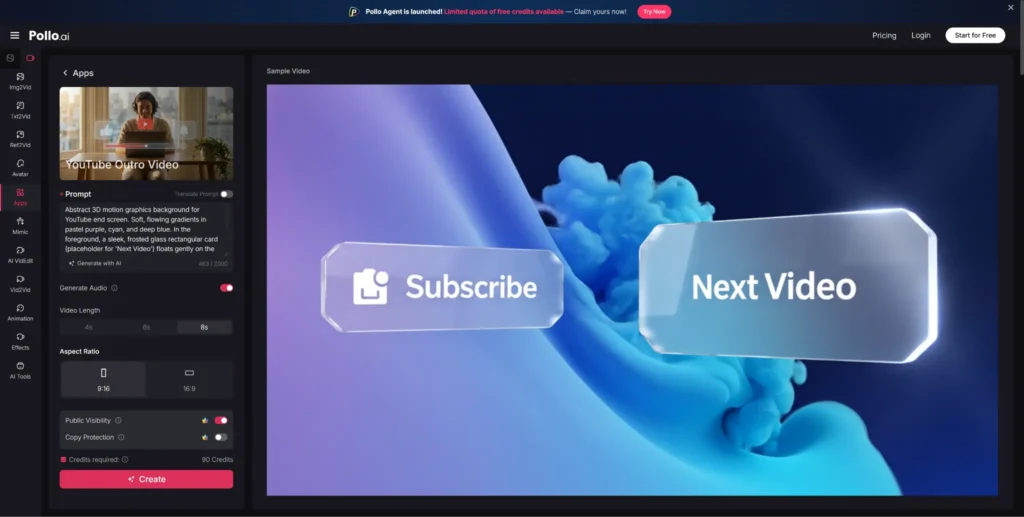
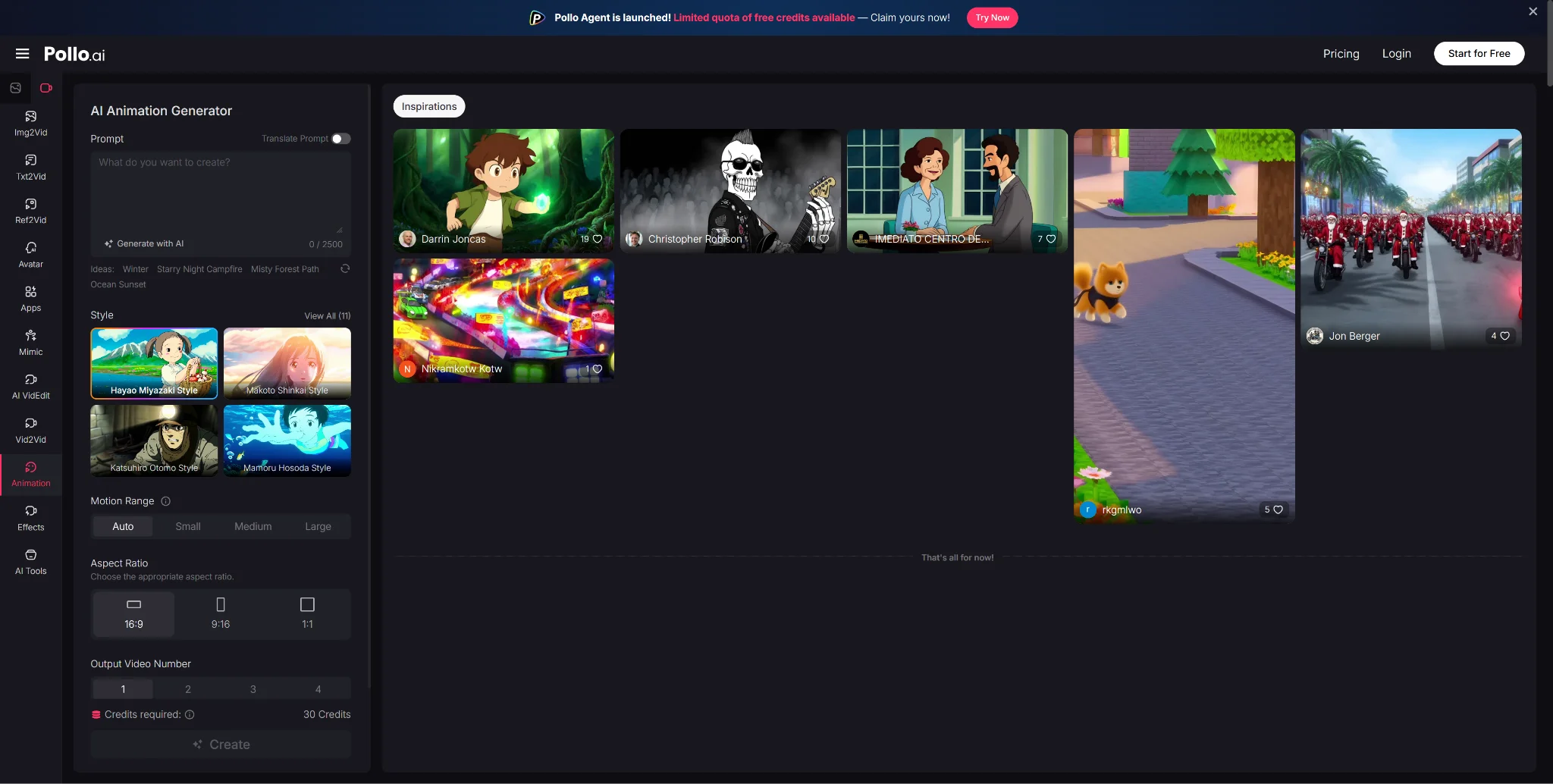
However, it’s not just about the middle part of your video; it’s also about how all the pieces connect from the beginning to the end. With tools such as Pollo AI animation generator, video creators are finding it much simpler to make their videos clean, consistent, and professional-looking without the need for extensive editing. The animation feature, for instance, will allow you to create smooth transitions for your videos, ensuring your intro and outro are seamlessly connected.
In this guide, we’ll break down 10 practical, tech-driven strategies to create high-performing YouTube outros along with modern tools (including AI) that make the process faster and smarter.
1. Keep It Short (15–20 Seconds)
Viewer attention drops fast once your content ends.
Data shows:
- Sharp retention drop after the main content
- Low tolerance for long endings
Stick to:
- 15–20 seconds
This gives enough time for:
- End screen elements to appear
- Viewer decision-making
- Interaction signals
Anything longer reduces clicks.
2. Use One Clear Call-to-Action
Too many creators stack CTAs:
- Subscribe
- Like
- Comment
- Visit site
This splits attention.
Instead:
- Pick one goal per video
Examples:
- New channel → Ask for subscribe
- Established channel → Push next video
Clear direction gets results.
3. Add Smooth Transitions
A sudden cut feels abrupt.
Use transitions like:
- Fade out
- Zoom out
- Motion wipe
- Scene continuation
This keeps the viewer engaged until the end screen appears.
4. Keep Branding Consistent
Your outro should match your channel identity.
Align:
- Colors
- Fonts
- Logo
- Style
Consistency builds recognition. Over time, viewers identify your content instantly.
5. Use Background Music
Silence feels awkward.
Add:
- Low-volume music
- Same style as your intro
Avoid loud or distracting tracks.
Music signals closure and keeps the experience smooth.
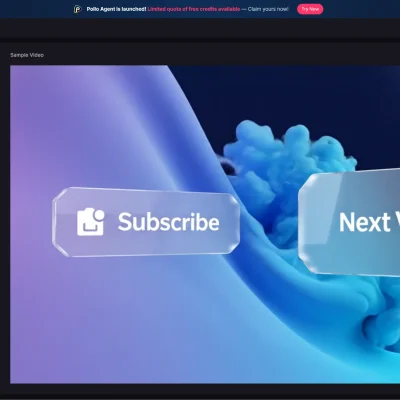
6. Animate the Subscribe Button
Static elements get ignored.
Use subtle motion:
- Bounce
- Pulse
- Scale effect
This draws attention without being annoying.
7. Show Two Relevant Videos
YouTube rewards session time.
Guide viewers by:
- Selecting 2 videos manually
- Matching them to the current topic
This builds a content path instead of leaving it to chance.
8. Add a Human Element
Even a short clip helps:
- You smiling
- Pointing at videos
- Reacting
This builds connection.
People respond to faces more than graphics.
9. Use a Countdown Timer
A simple 5-second countdown increases urgency.
Viewers think:
- “I need to click now”
This improves:
- Click-through rate
- End screen interaction
10. Use an Outro Creation Tool
Manual editing slows you down.
Use tools that allow:
- Templates
- Drag-and-drop design
- Fast exports
AI tools help with:
- Auto animations
- Consistent branding
- Faster workflow
This turns your process into a system.
Why Outros Matter More Than Ever in 2026
With increasing competition on YouTube, success is no longer just about:
- good content
- catchy titles
It’s about viewer retention loops.
Your outro plays a key role in:
- increasing session time
- improving click-through rates
- boosting algorithm visibility
Even a small improvement in outro performance can lead to:
👉 hundreds (or thousands) of extra subscribers over time
Final Thoughts
An outro is not an afterthought it’s a strategic asset.
Think of it as:
- your closing pitch
- your growth trigger
- your brand signature
Spend an extra 15 minutes refining it, and the results compound over months.
Because on YouTube, growth doesn’t just come from views…
it comes from what happens after the video ends.
If you’re looking to streamline this process and maintain consistency across your videos, using a reliable YouTube outro maker can make a significant difference.